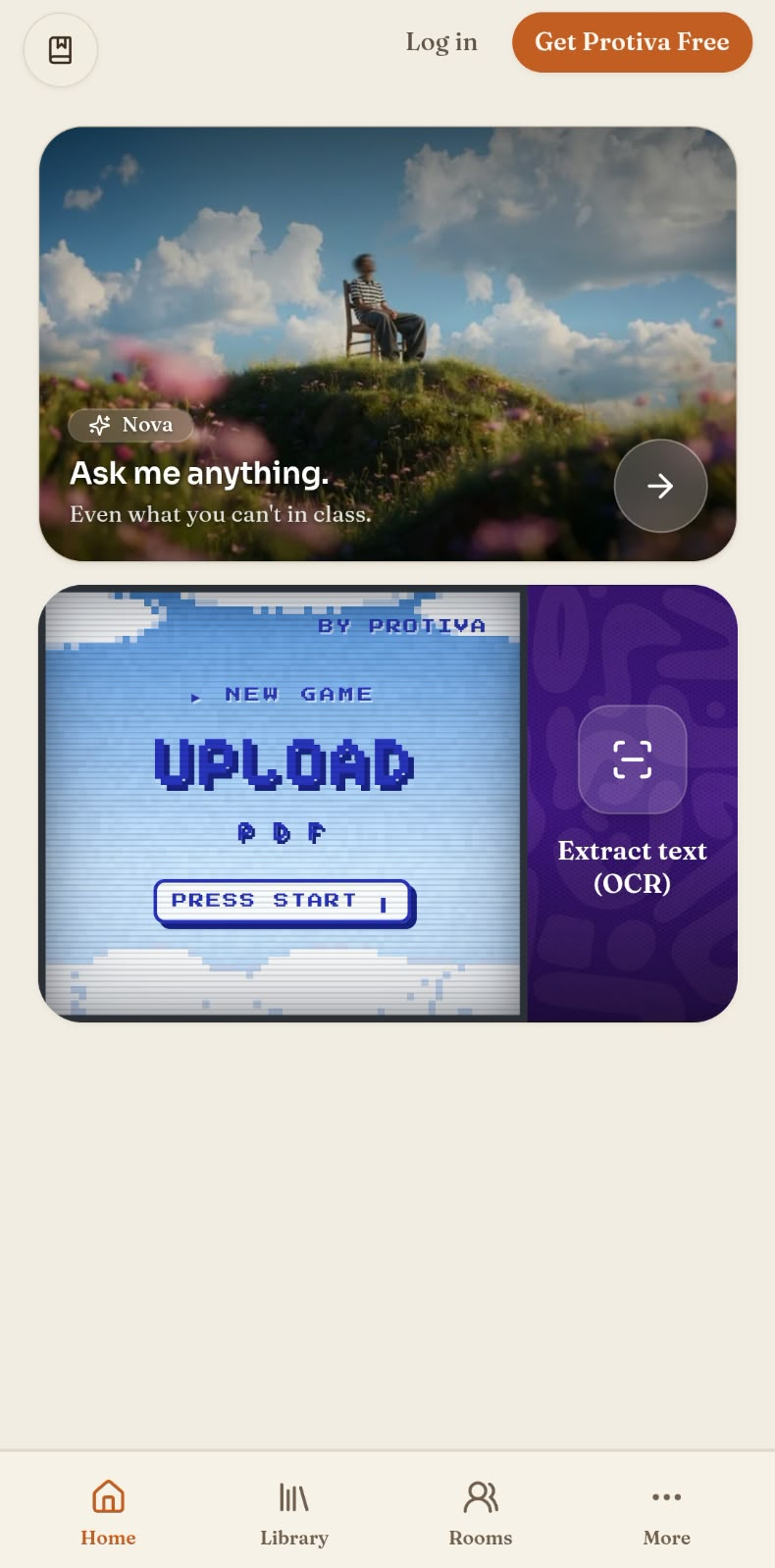
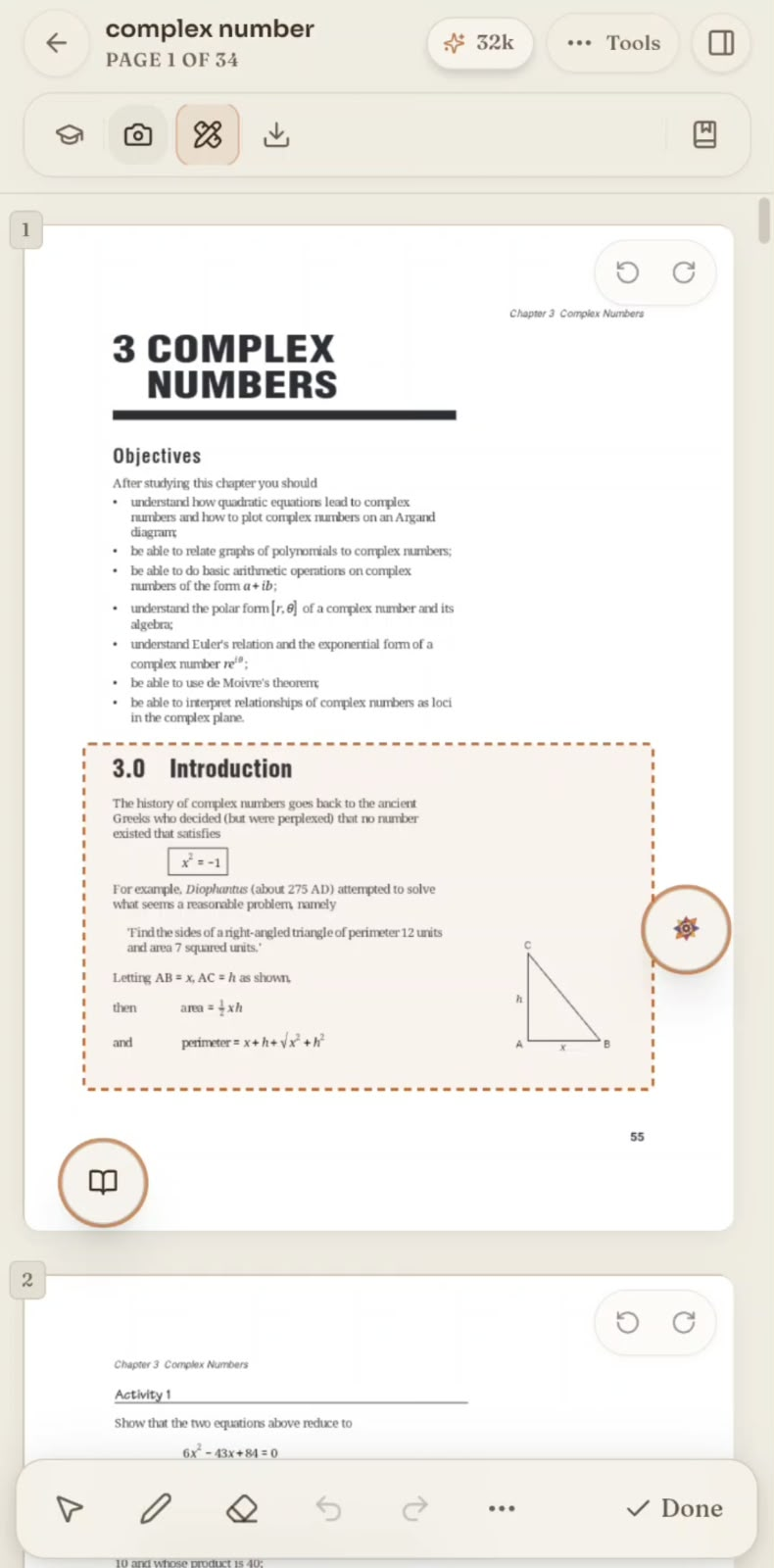
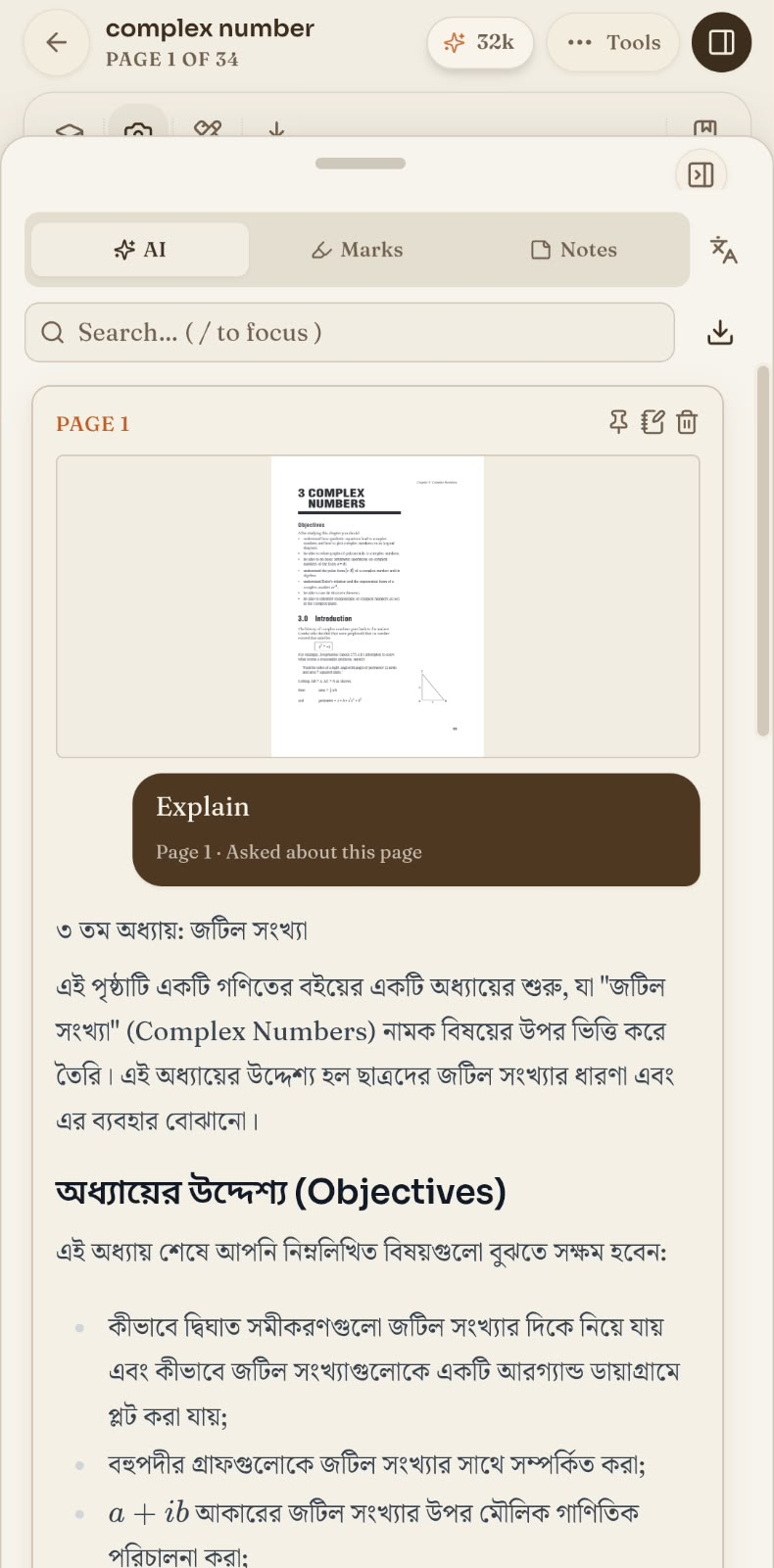
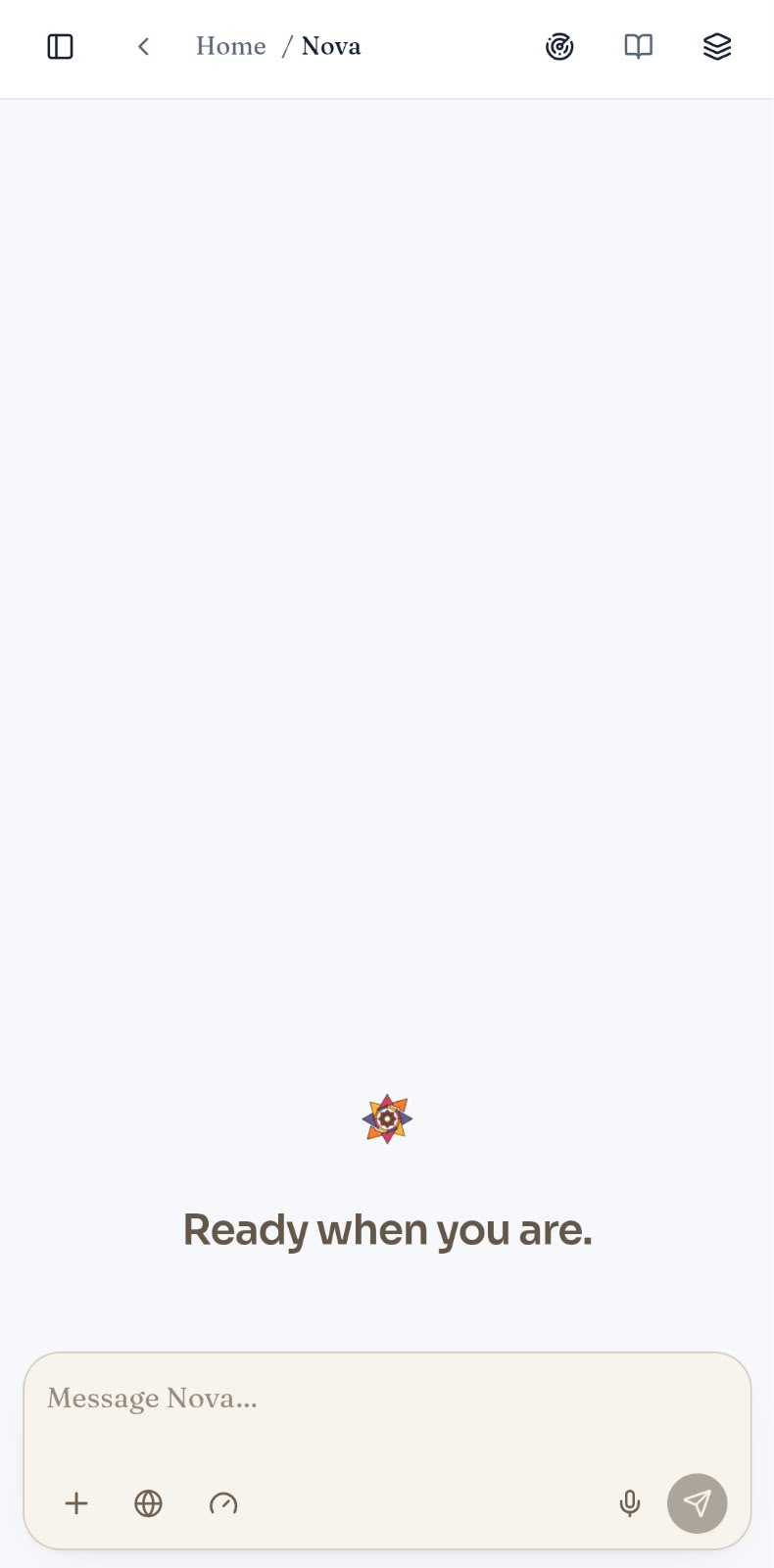
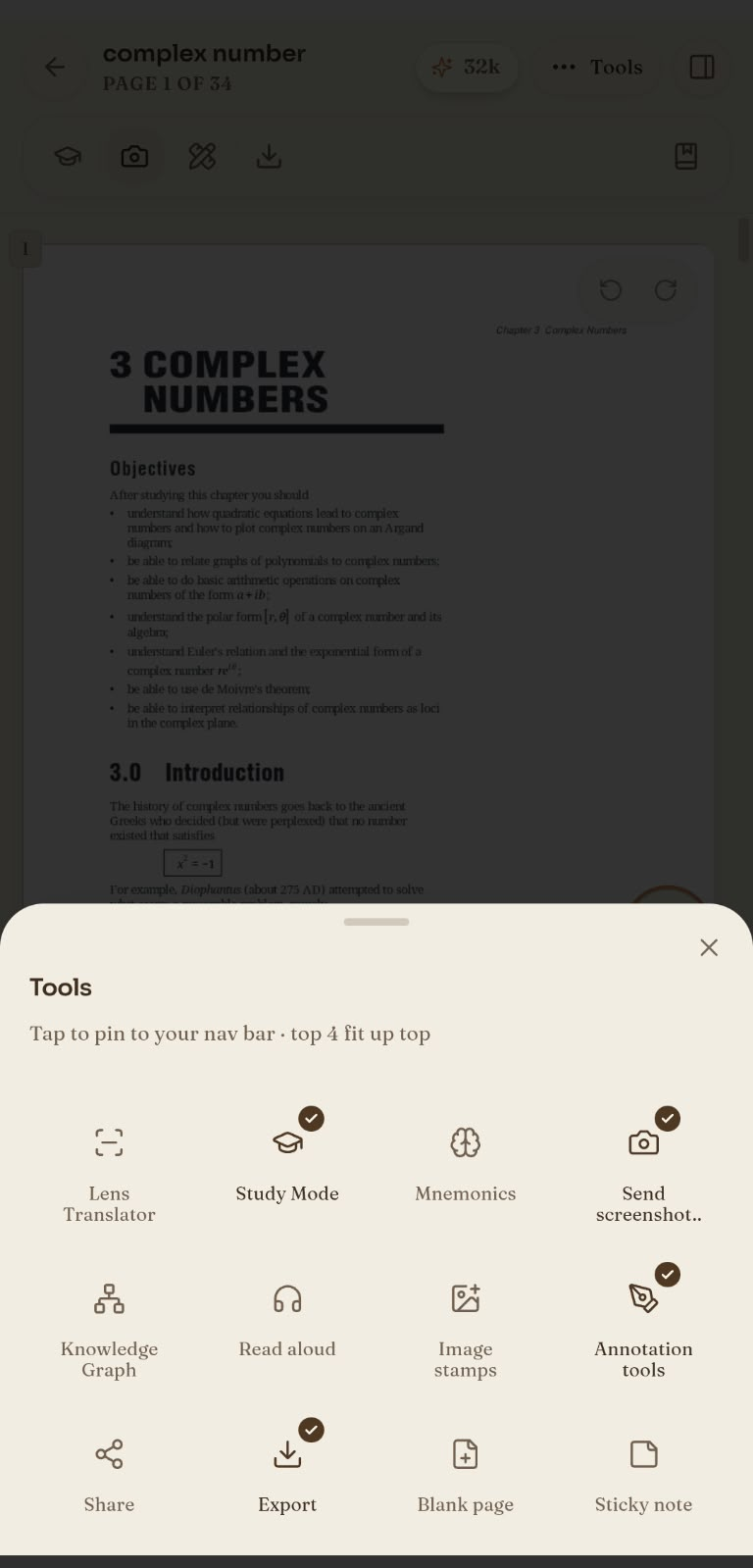
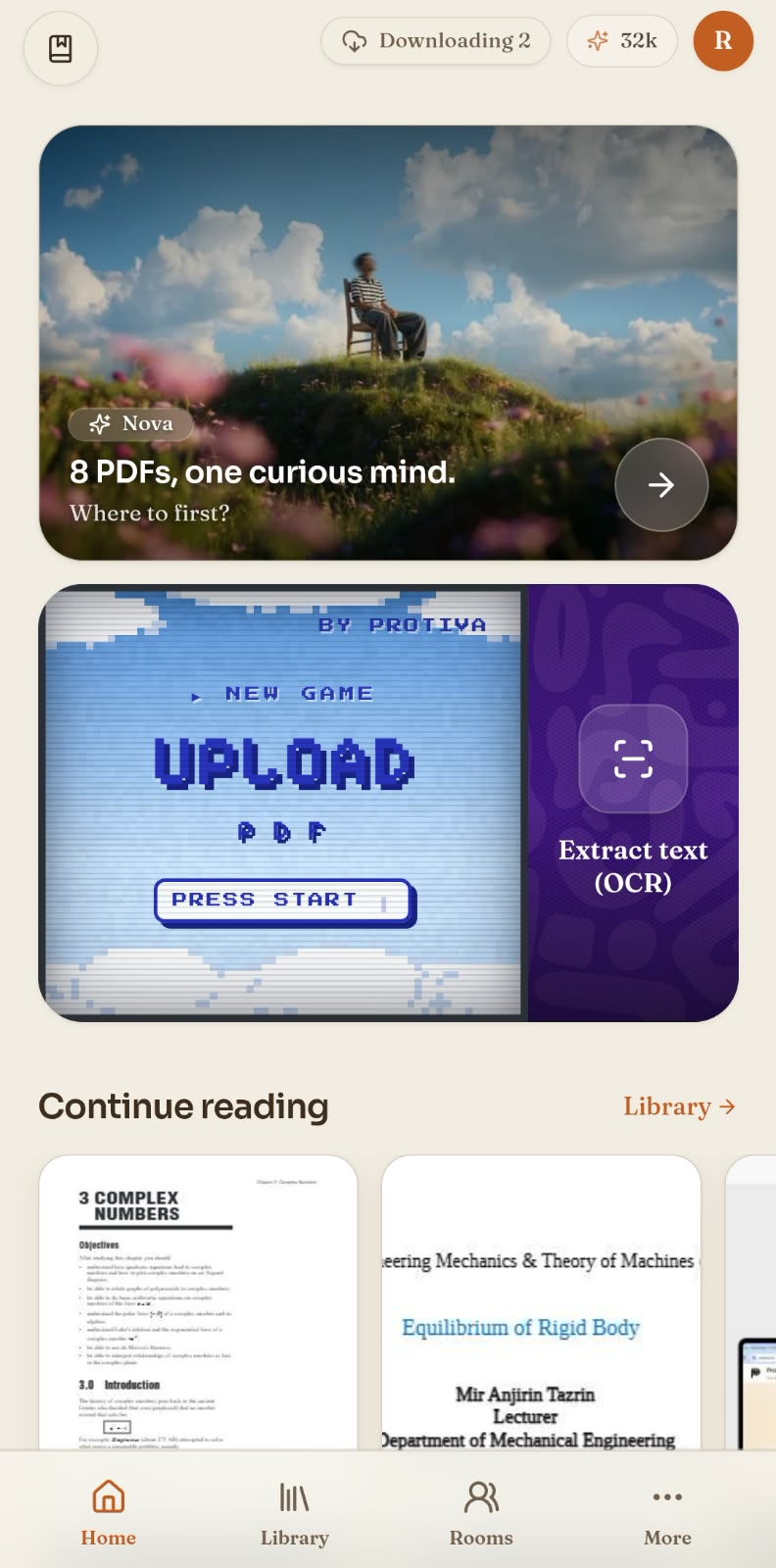
Protiva AI is a context-aware learning workspace for PDFs and other documents. Ask about a page, line, word, formula or diagram at the micro level, and connect it to the rest of the document at the macro level. Nova, notes, quizzes and collaborative study share one workspace.
Where can I get Protiva for Android, Windows and iOS?
Install Protiva for Android from Google Play using the badge on this page. The Windows installer is available in Downloads after the terms and security check. iOS is coming soon; you can also use Protiva in your browser.
Can I start using Protiva for free?
Start with free PDF reading, annotation and OCR. A free AI allowance is available; additional AI usage uses credits. Check Pricing for current plans.
View all 23 questionsHide additional questions
Getting started
Do I need an account to get started?
Basic reading, annotation and export work without signing up. Sign in for live rooms, billing and paid credits.
Do I have to write a new prompt every time?
Select a passage and choose an action such as Explain or Summary. When you have your own question, continue the conversation with Nova.
Can I read PDFs offline?
Once the app and document have loaded, local PDF reading and annotation work offline. Explanations, translation and other cloud AI features need an internet connection.
Reading & AI
How do I summarize a PDF with AI?
Open a PDF and choose Summary in Study Mode. Work with the document or a page range, then use the source references to check the original passage.
Can I chat with my PDF and ask about a specific passage?
Yes. Ask Nova a question or request an explanation of a selection. Screenshot-to-AI also lets you ask about figures and equations.
How do I create quizzes and flashcards from a PDF?
Choose Quiz or Flashcards in Study Mode. Use a chapter, page range or your highlights to create revision material and revisit the source while practising.
Can I translate a PDF or a scanned passage?
Select a region with Lens Translator, or translate a page range in Study Mode. For printed scans, use OCR to extract readable text first.
What does Nova do? Can I listen to a PDF?
Nova is Protiva’s AI tutor for explaining, translating and summarizing passages. Use Read aloud for a page, or listen to a chapter walkthrough with Nova audio lessons.
How does the Knowledge Graph help me study?
See connections between people, topics and concepts in your document. Use the graph to understand relationships, then return to the original text to verify them.
Are AI summaries and quizzes always accurate?
AI can be wrong or incomplete. Verify important information against your PDF; source references help you return to the original passage.
Sharing & collaboration
How many people can collaborate on a PDF simultaneously?
As many as you’d like! Protiva supports unlimited real-time collaboration on any PDF. Read together, highlight passages and discuss notes in the same session.
How do live study rooms work?
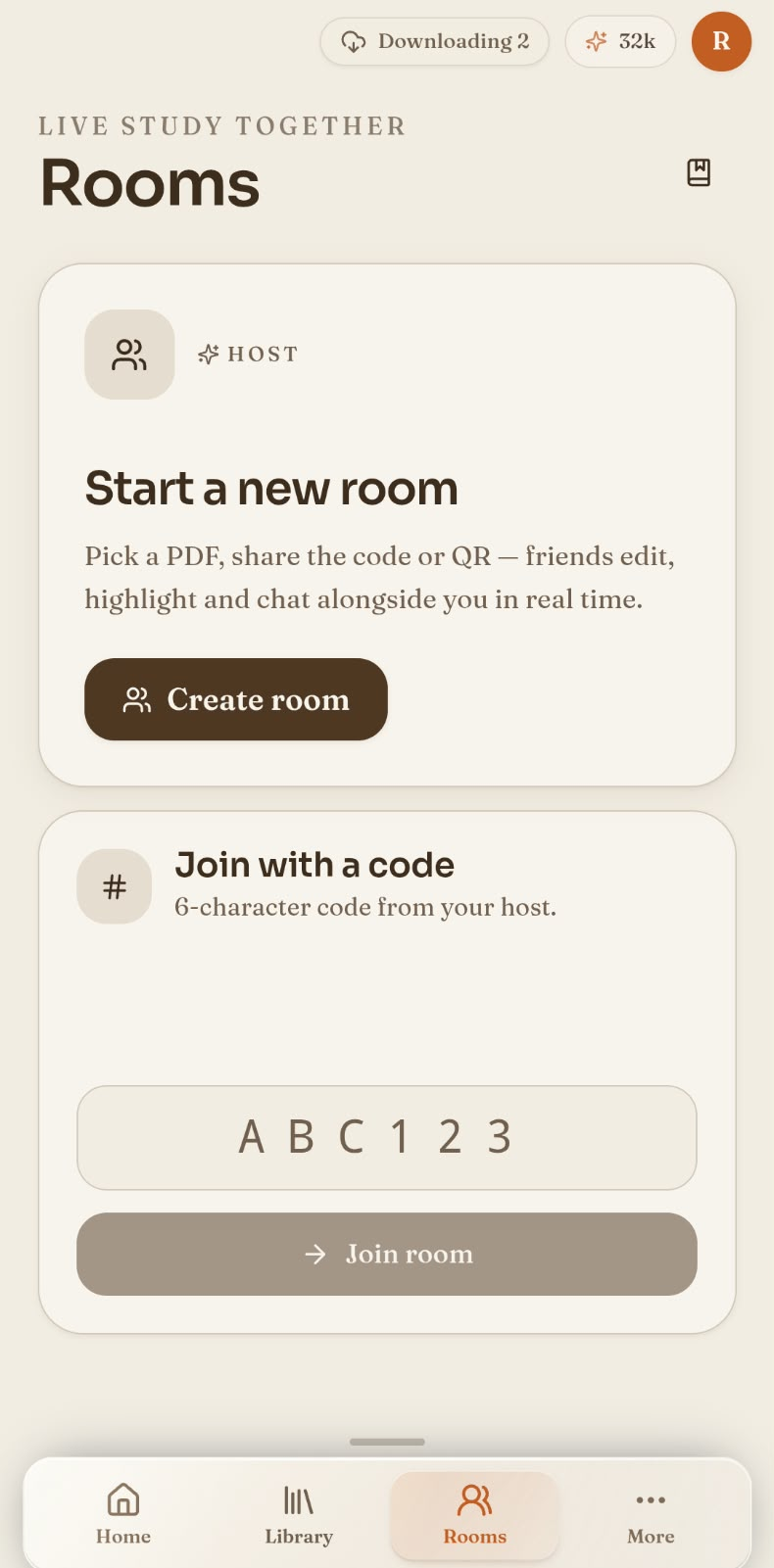
Create a session in Rooms and share its six-character code or QR. Cursors, highlights and notes sync live. The room ends when the host closes it.
Can I revoke a PDF share link?
Yes. A share link uploads a copy of your PDF and annotations for read-only viewing. Revoke it from the same Share dialog to remove that shared copy.
Privacy, backups & help
Where are my PDFs and annotations stored?
Signed-out reading stores your library locally in your browser. Signed-in account and sync features can use cloud storage. Clearing local browser data can delete the local library, so export a backup first.
What data is sent when I use AI features?
The text needed for your chosen feature goes through the AI gateway to a model provider; vision features also send the required page image. The whole PDF is not sent by default. See the Privacy Policy.
Does Scan / OCR upload my camera image?
Printed Bangla and English OCR runs in your browser. Extract text from a photo or camera image; it works offline after the OCR engine loads. Sending an image to AI is a separate action.
What is an .lpdf bundle, and how do I back up my work?
An .lpdf bundle keeps the PDF and its annotations together. Export it as a backup and import it into Protiva to restore your work. Choose a flattened PDF for viewing in ordinary PDF readers.
Where can I get help or report a problem?
Read the feature guides in Documentation. For a download or account issue, visit Contact or email [email protected].
Credits & AI models
Will my credits expire at the end of the month?
No, your credits never expire—they will last forever. You can keep unused credits and use them later.
How does Protiva choose an AI model for my task?
Protiva selects an AI model through OpenRouter based on the task. You do not need to choose a model for every request.